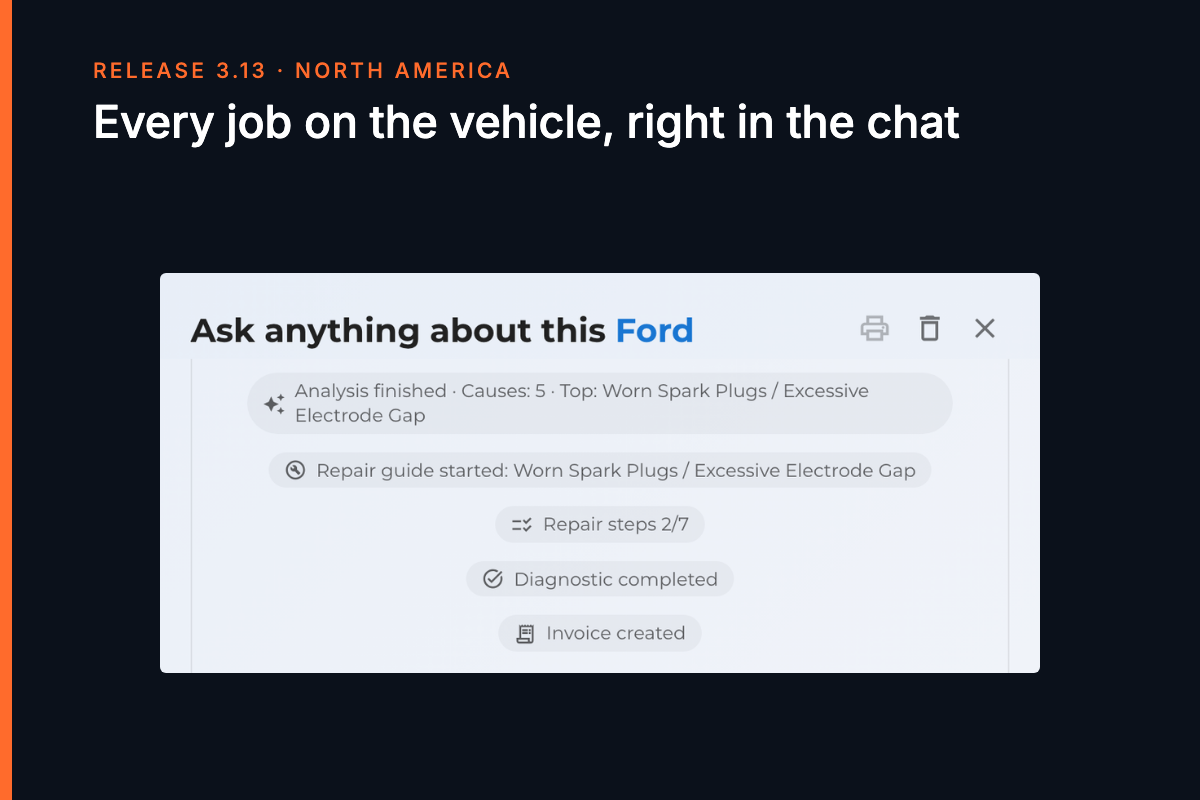
Every job on the vehicle, right in the chat
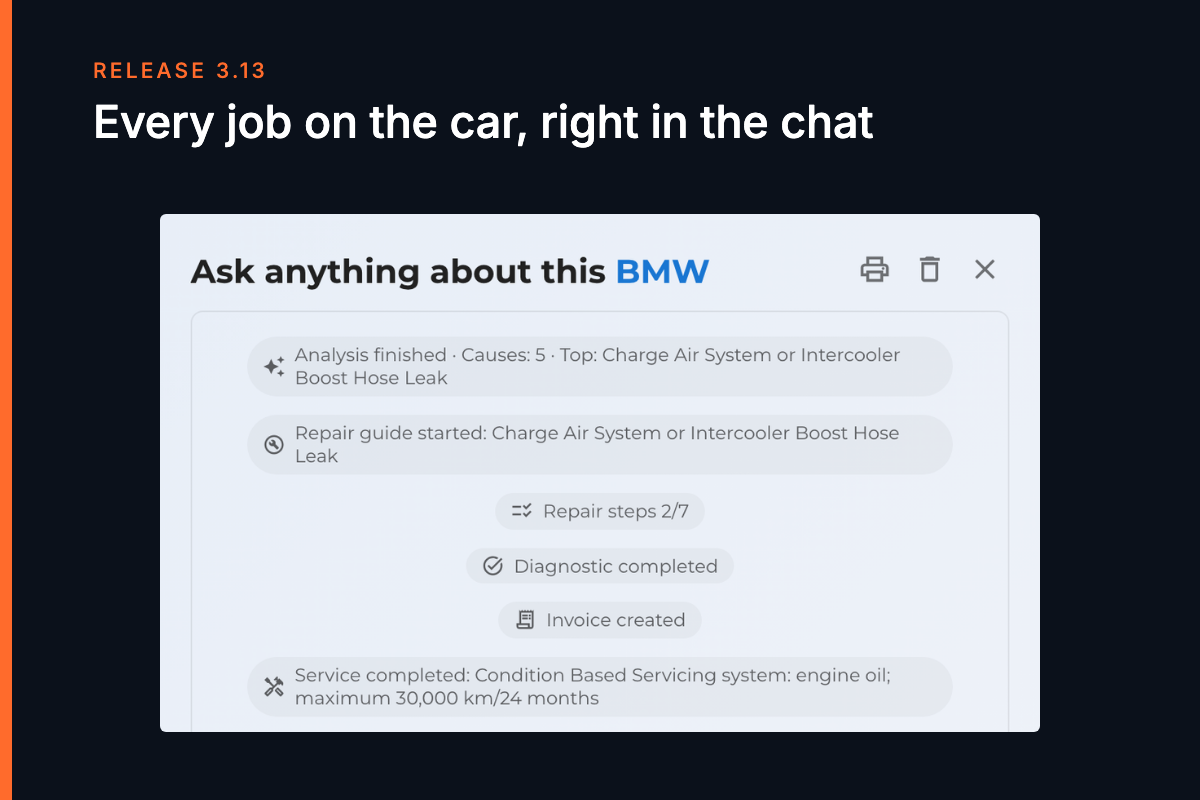
Open the vehicle's chat and see everything that has been done on it. No more hunting through old jobs to find out what was checked, what was fixed and what was invoiced.
The whole story of the vehicle in one place
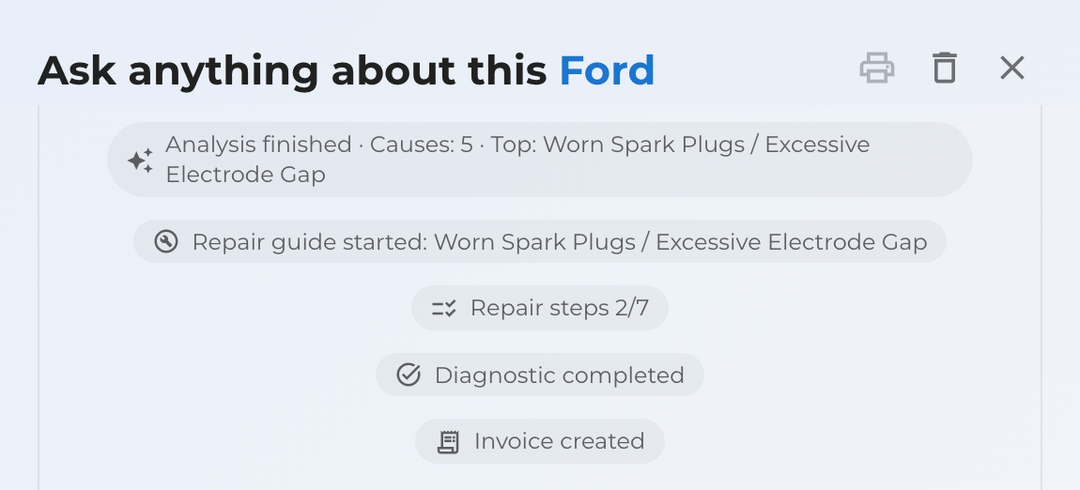
The chat lists the work on the vehicle in order: the analyses you ran, the repair guides you opened with the steps you ticked, and the finished jobs with their invoice.
Tap an entry to go straight back
Every entry is a shortcut. Tap the analysis to see the causes again, the repair guide to pick up where you left off, or the finished job to open the invoice.
Ask the chat what has already been done
Ask "What has already been done on this vehicle?" and the chat knows. When the vehicle comes back, its answers build on the work already done, so you don't start from zero.
Find parts and wiring with the words you use
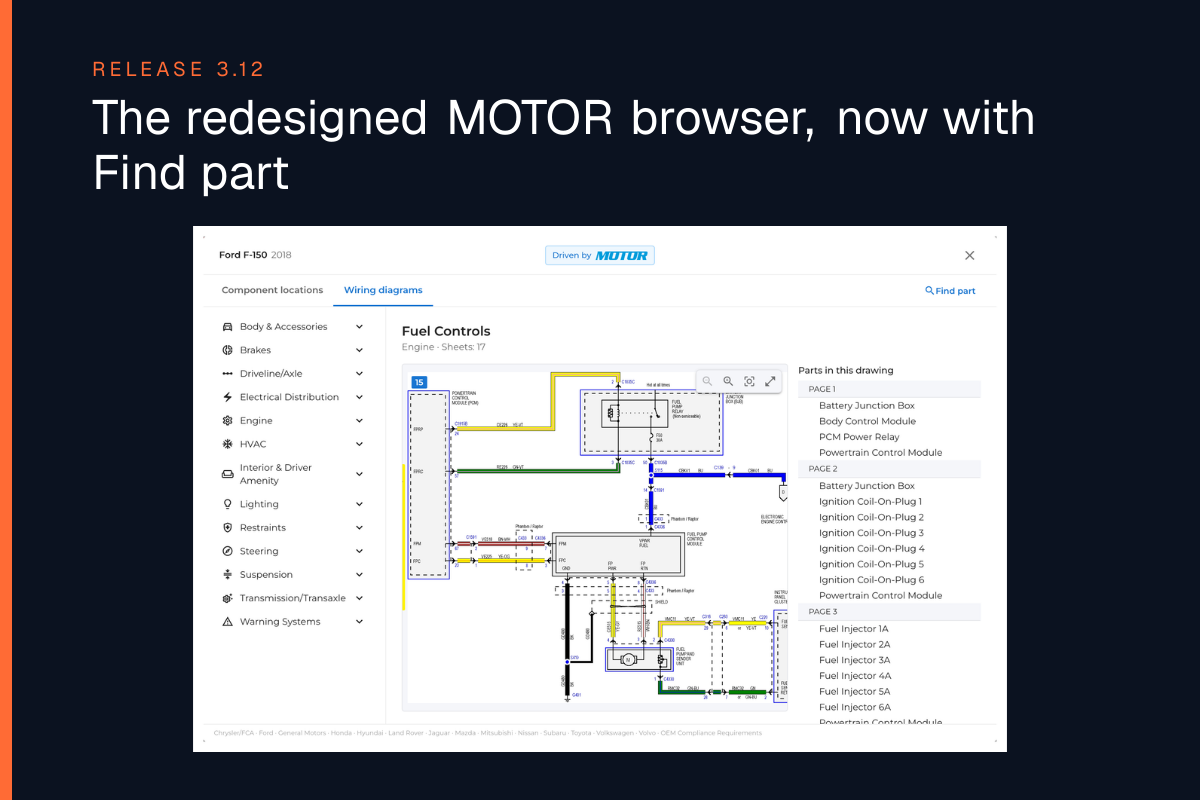
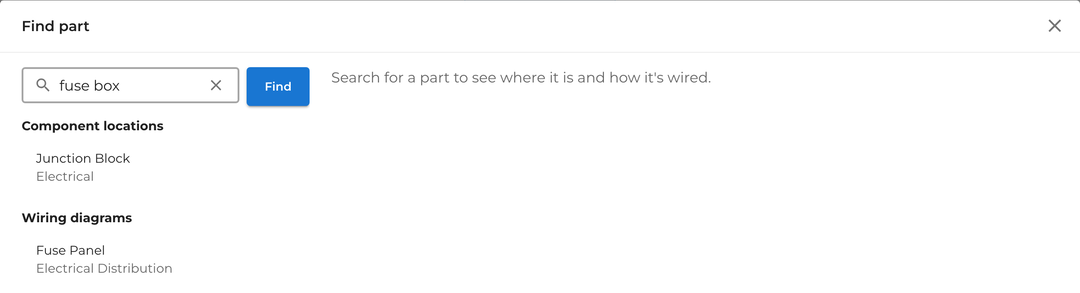
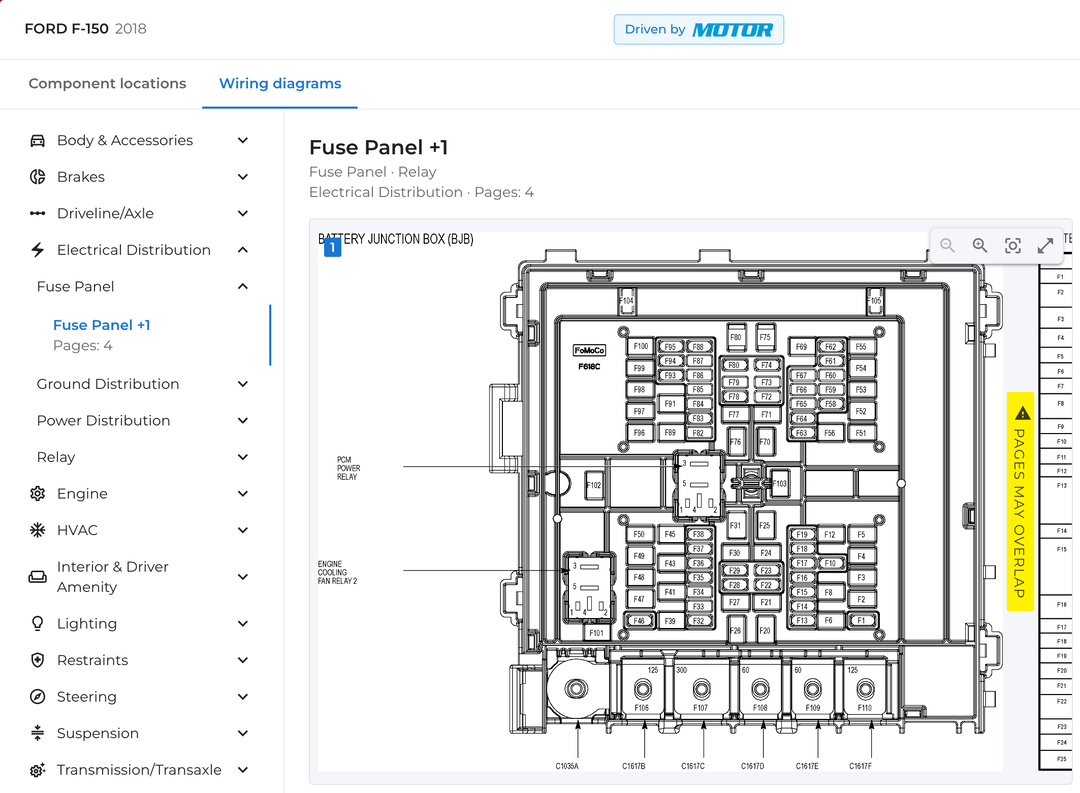
In MOTOR Parts & Wiring, Find part understands workshop words like fuse box or ECU and searches when you press Find or Enter. Photos load as you scroll, and the wiring tree opens at the diagram you're on. Available in the US, Canada and Mexico.
Also new
Calculations in chat answers now show as real formulas, so you can check the numbers at a glance.
See it in action
Watch the short demo below.