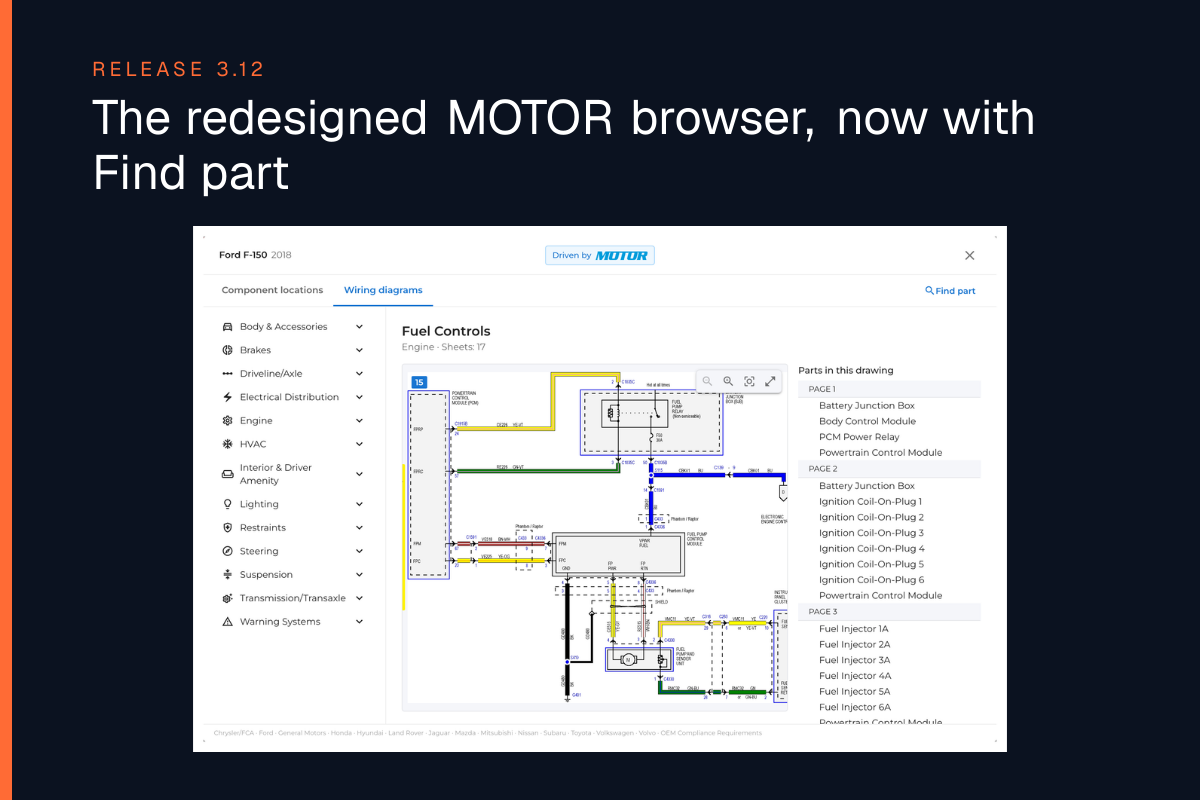
The redesigned MOTOR browser, now with Find part
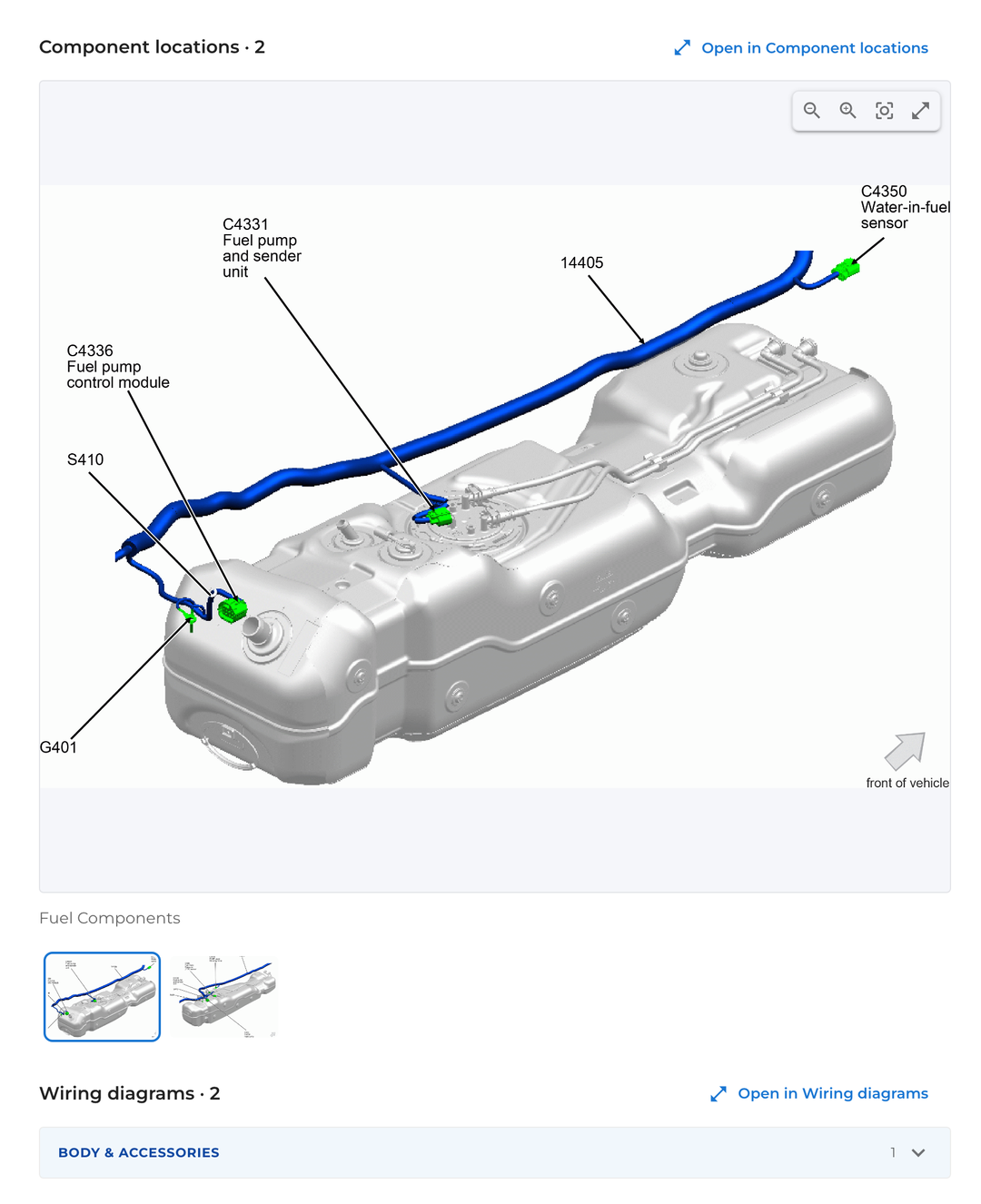
Component locations and wiring diagrams now open in one MOTOR browser, and Find part shows where a component sits and how it is wired.
One MOTOR browser
Component locations and Wiring diagrams now open in one MOTOR browser, which replaces Images & diagrams. Jump between the two, with a menu by system, and open any diagram in a zoomable viewer.
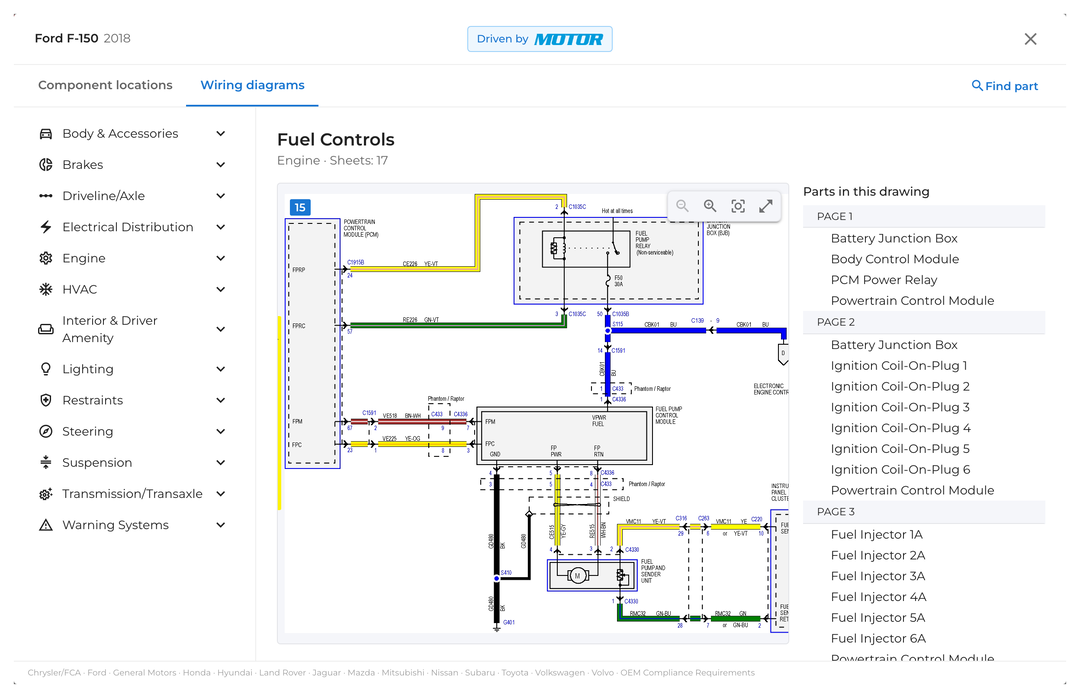
Find part
Search for a component and see where it sits on the vehicle, with its location photos, and how it is wired.
Share the exact page
A copied link opens on the same vehicle and the same page, so a colleague lands right where you are.
Try it free
On the Free plan, try the MOTOR browser on the Ford F-150 demo.
Print the vehicle chat
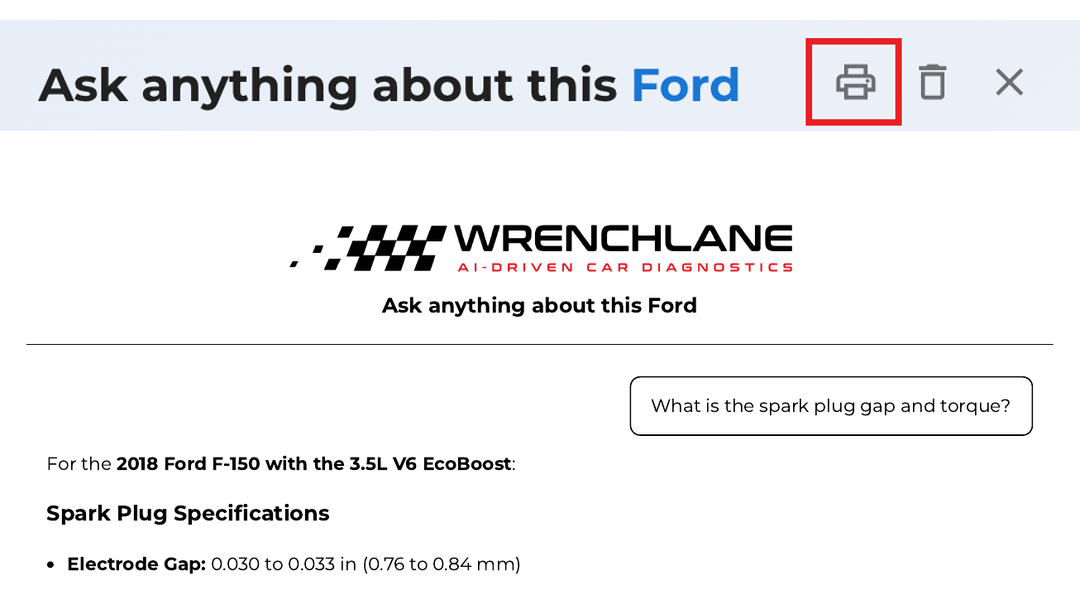
In the web app, the print button in the chat header, next to Clear and Close, prints the whole conversation with the WrenchLane logo and the chat title. Step-by-step answers print fully expanded.
Also new
An AI search now counts toward your daily limit only when you pick a result, not while you type. Better for you!
See WrenchLane 3.12 in action
Watch the short demo below.