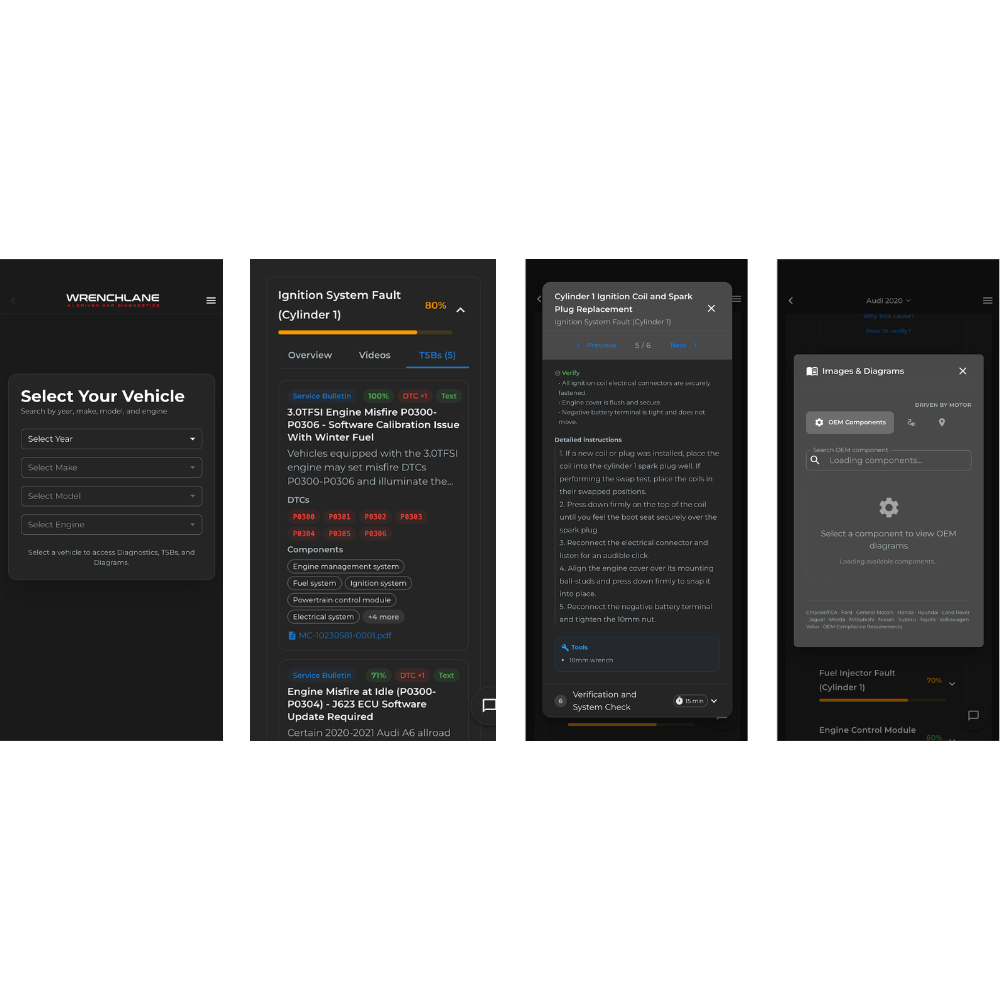
We’re continuing to update WrenchLane – and now it’s easier to go from a completed diagnostic to a ready-to-use invoice draft. We also released an iOS app on Appstore.
Once you’ve finished troubleshooting and found the solution, WrenchLane can now help you summarize the work into clear invoice text for billing, customer communication, or service records.
Here’s a quick overview of what’s new:
- Generate invoice text directly from a completed diagnostic
- Easily add extra repairs, tests, and adjustments
- Download our new IOS app from Appstore
New invoice feature inside diagnostics
When you’ve finished a diagnostic, you can now click “Mark as completed”.
This opens a panel on the right where you can summarize the job before generating your invoice draft.
You can fill in:
- What was the problem?
Select the cause that was confirmed or fixed - What else was done?
Add short notes about any additional repairs, tests, or adjustments performed during the job - Parts replaced
List the parts that were replaced or installed
Once that is done, click “Complete & Generate Invoice” to create a clear summary ready to use.
How it works in practice
This feature is built to be simple and fast to use right after troubleshooting.
That means you can:
- document what actually solved the problem
- add supporting work without writing everything from scratch
- create a clearer link between diagnosis, repair, and billing
- save time when summarizing the job for the customer or your internal system
PRO TIP For example, if you performed an oil service after diagnostics, you can also write:
What else was done?
Oil service
Parts replaced
Oil filter
WrenchLane will then help generate a clear and correct summary of the work.
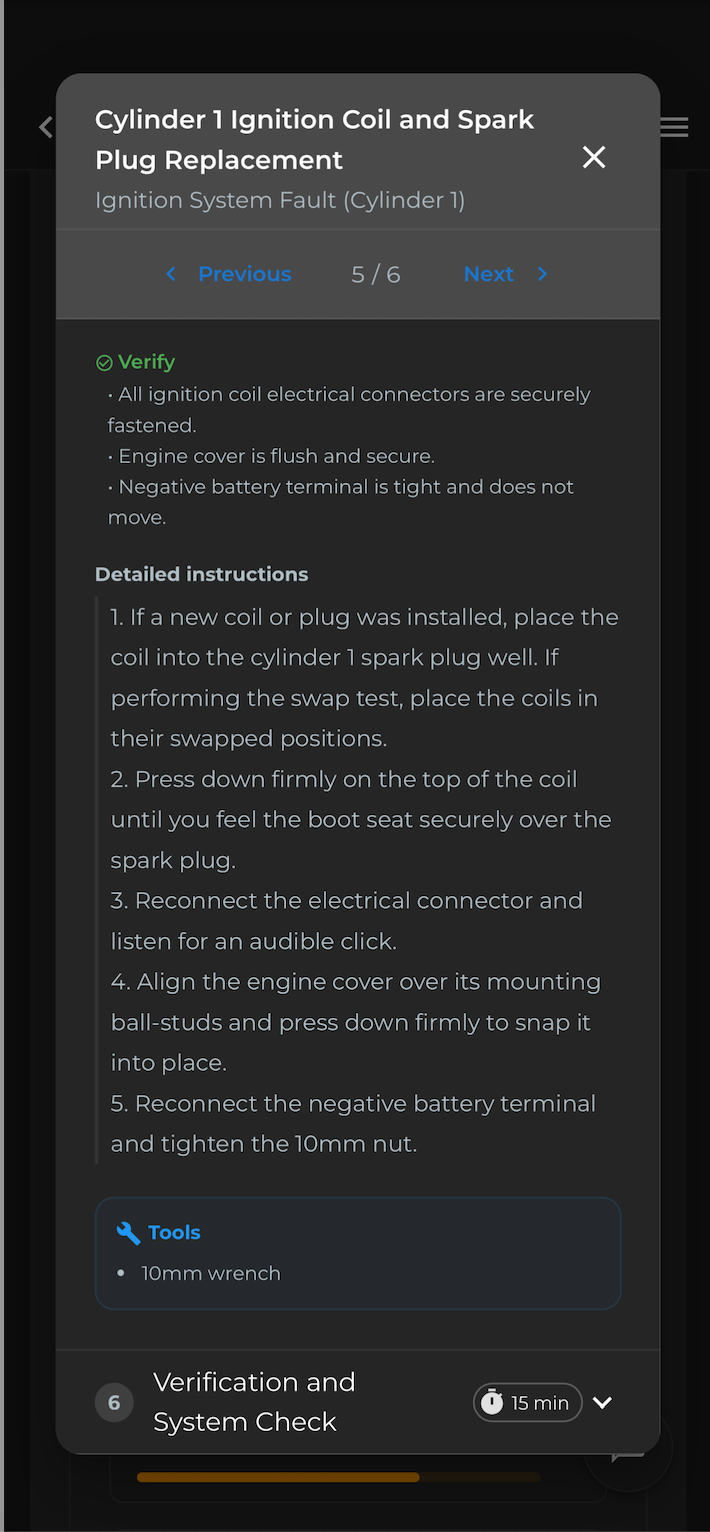
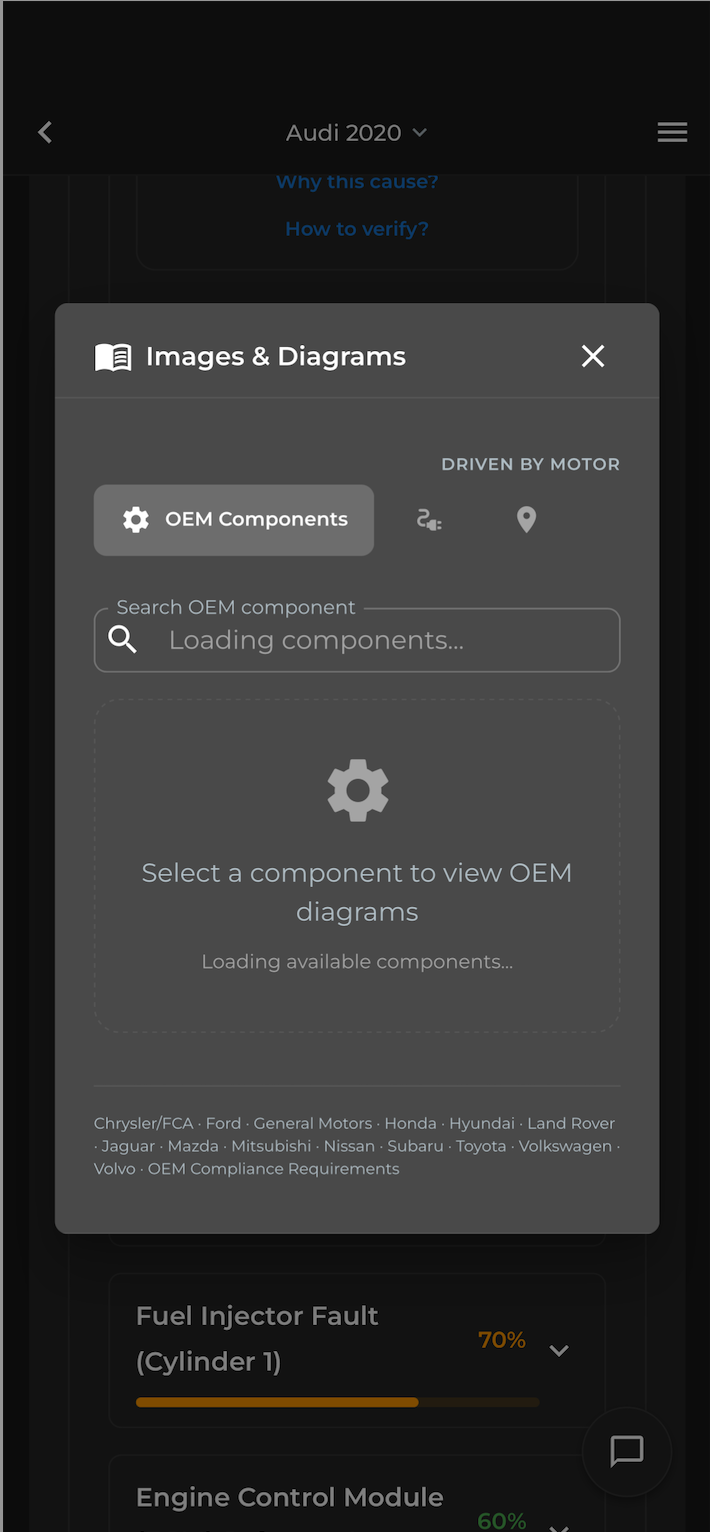
WrenchLane now as an app in your phone or tablet
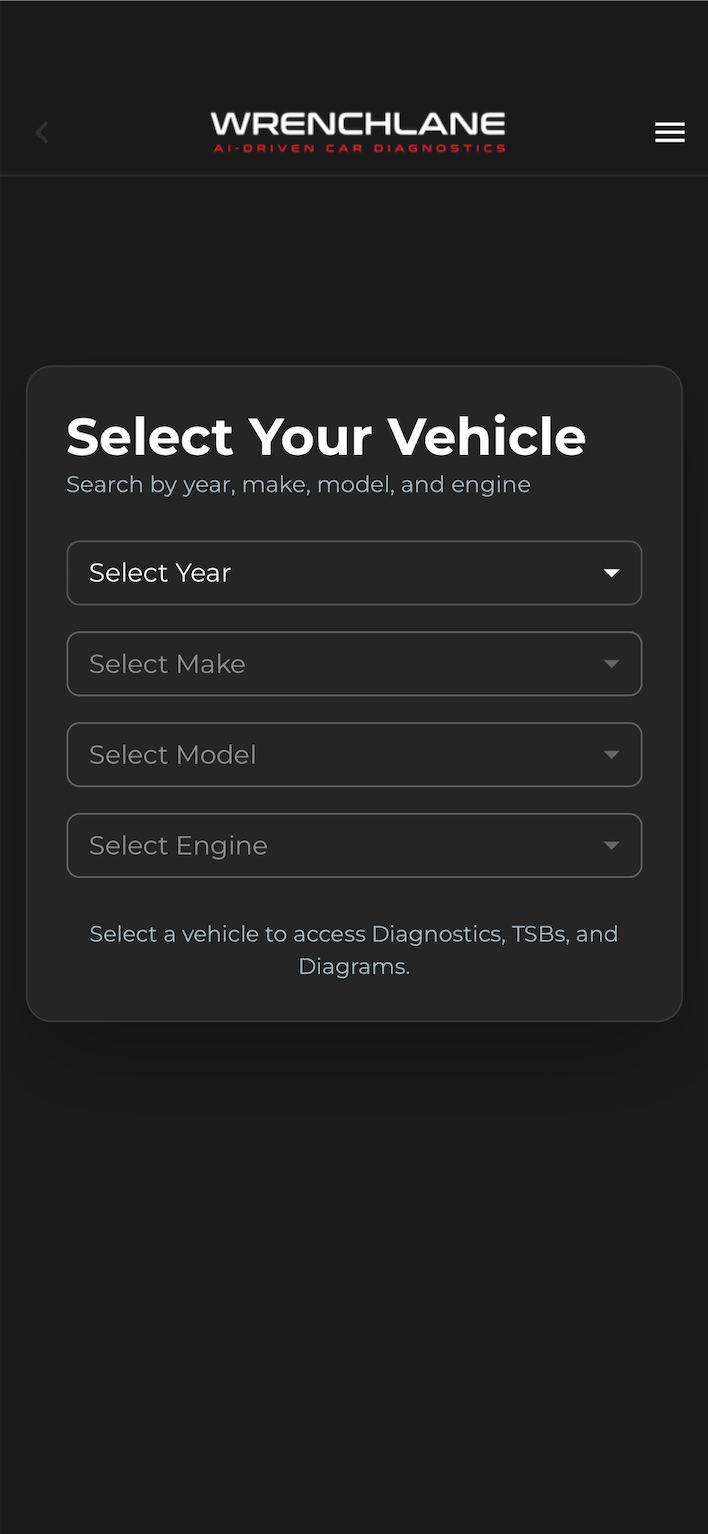
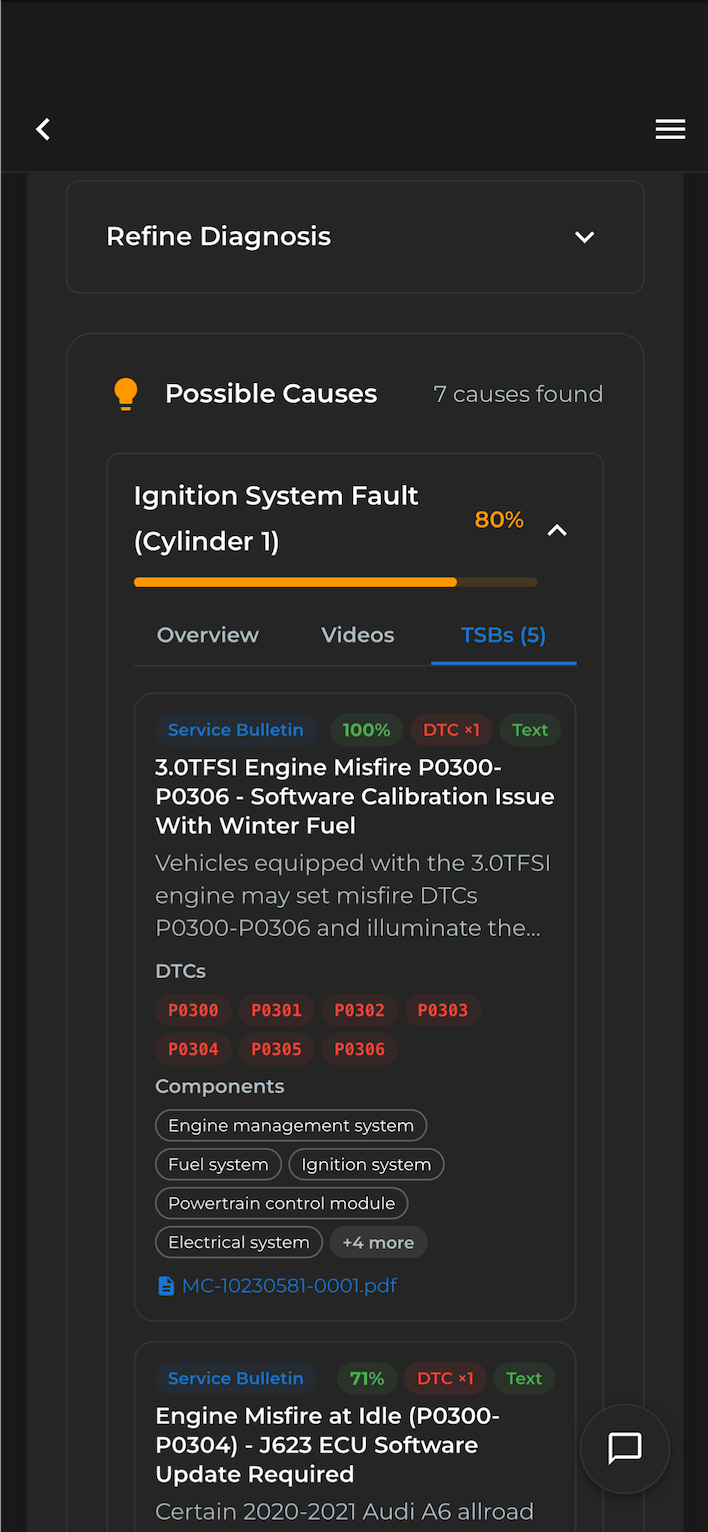
All features are now also available in our iOS app on Appstore (Android app will be released in the coming days). Same process and workflow just easier for your handheld device.
Log in and try the new feature the next time you complete a diagnostic.