
We're here to help
WrenchLane support is built for busy workshops. Get answers fast, learn as you work, and know someone's got your back.
Help when you need it most
Most questions can be answered in our guides or FAQ. For anything else, real people are standing by to help you get back to work.

Topics
Find what you need
Browse by topic or search for answers that fit your situation.
Getting started
First steps with WrenchLane and your account setup.
Diagnostics and fault codes
How to enter codes and read diagnostic results.
Vehicles, jobs, and history
Managing your shop's work and keeping records.
Questions
Find quick answers to the most common questions we hear from workshops.
How do I contact support?
Go to Menu, Support, write a title and a message and click Send; the reply comes to your email. You can also email support@wrenchlane.com.
Learn more: Support
Where can I read how each part of the app works?
Menu, Help & docs, Get started opens a guide with a section for each part of the app available in your region. Menu, Help & docs, New features lists what changed in each version.
Learn more: Get started guide, New features and product overview
How do I sign up?
Open app.wrenchlane.com, click Sign up and fill in an account name (your workshop or your own name), country, email and password. Accept the terms, click Sign up for free and enter the code we email you. You are signed in and your workshop starts on the Free plan.
Learn more: Sign up for free
A mechanic forgot their password. What do we do?
If the user has an email address, use Forgot password? on the login page to get a code by email. Otherwise the admin can set a new password for that user in Manage team.
Learn more: Reset password (Forgot password?), Change password
How do I update my card or see my invoices?
In Plan & billing, Manage subscription opens the billing portal with your invoices and subscription details, and Update payment method changes your card and billing address. Plan & billing also shows the next billing date.
Learn more: Manage subscription and payment method
How do I close my account and delete my data?
Go to Menu, Profile, Close account and confirm with Yes, close my account. You are signed out right away, and the support team confirms by email before deleting your data, usually within a few business days.
Learn more: Close account
Support
Get in touch
Real people with real workshop experience are here to help. Reach out any way that works for you.
Send us a message and we'll respond within a few hours.
Phone
Call us during business hours to talk through a problem or get a quick answer.
Office
Visit us in person if you're in the area and want to see WrenchLane in action.
Why we're different
Built with real workshops in mind
WrenchLane was built by listening to mechanics and shop owners. Support is part of the product, not an afterthought, and we improve it every day based on what you tell us.
Built together with mechanics and shop owners
Support is core to how WrenchLane works
We listen and improve based on your feedback
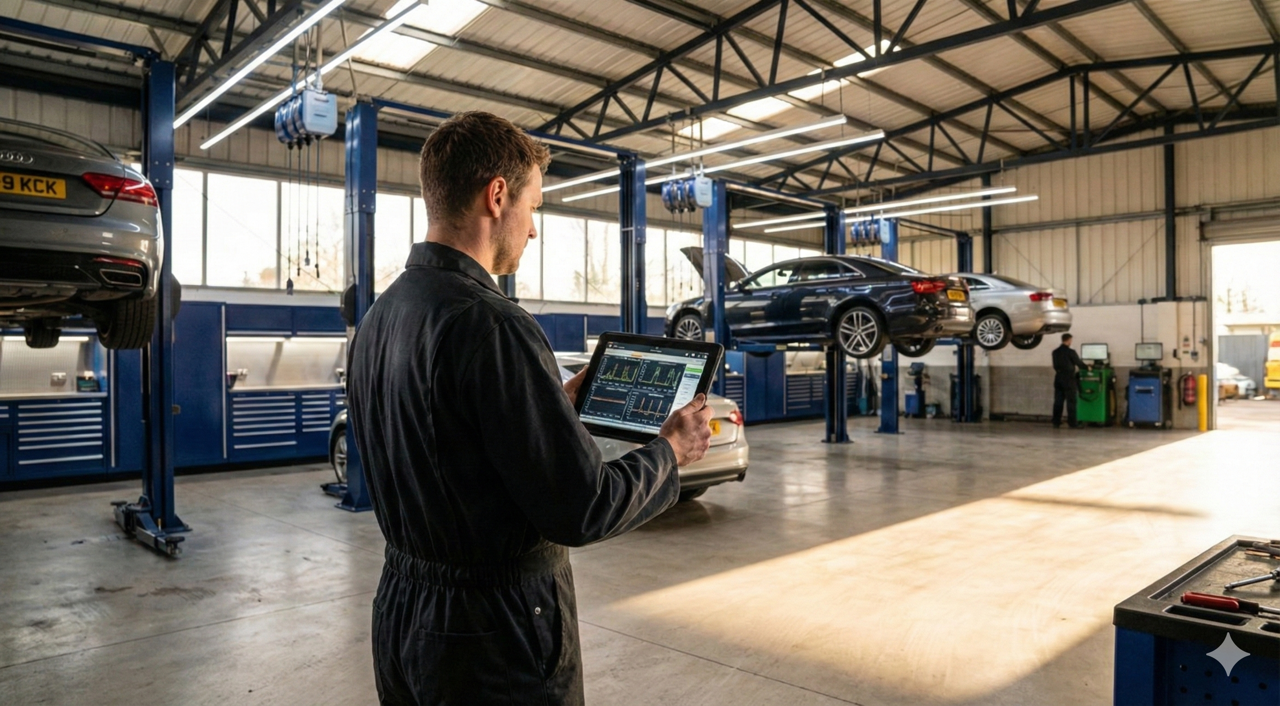
- Built together with mechanics and shop owners
- Support is core to how WrenchLane works
- We listen and improve based on your feedback