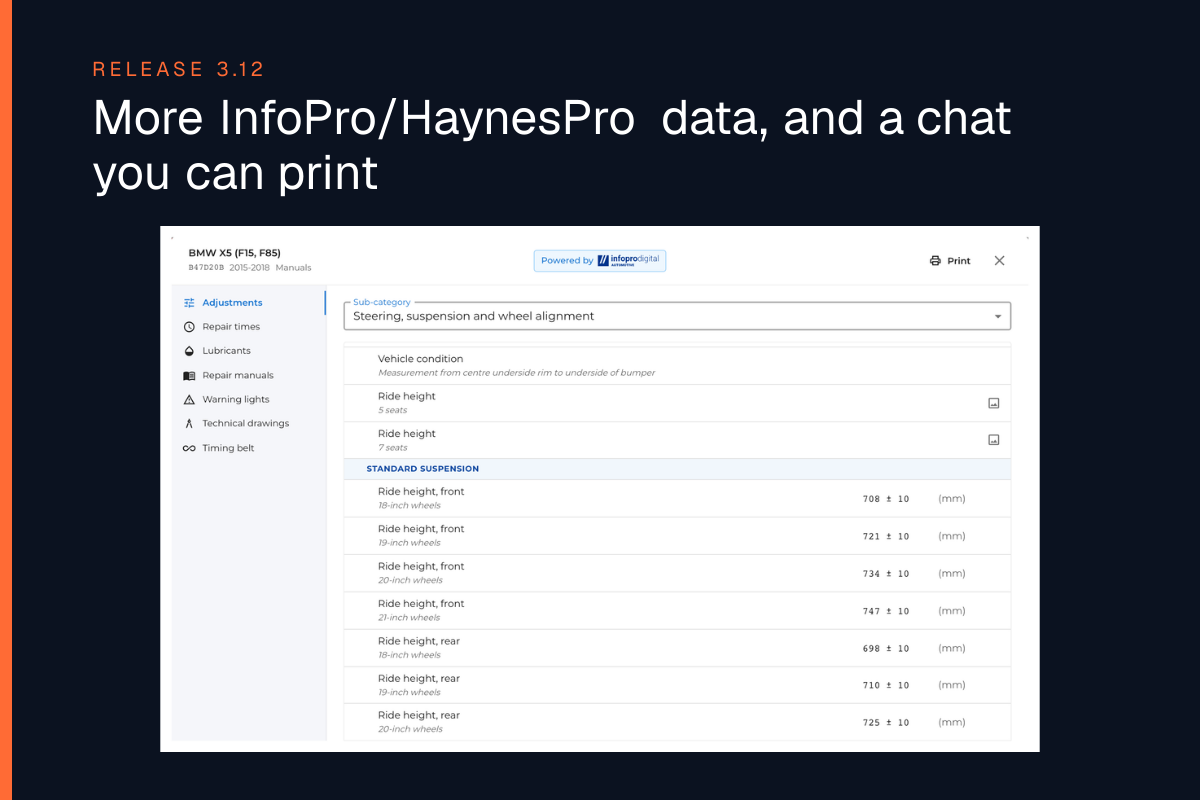
We’re continuing to update WrenchLane – and in 1.5.2 diagnostics just got faster and clearer.
Here’s a quick overview of what’s new:
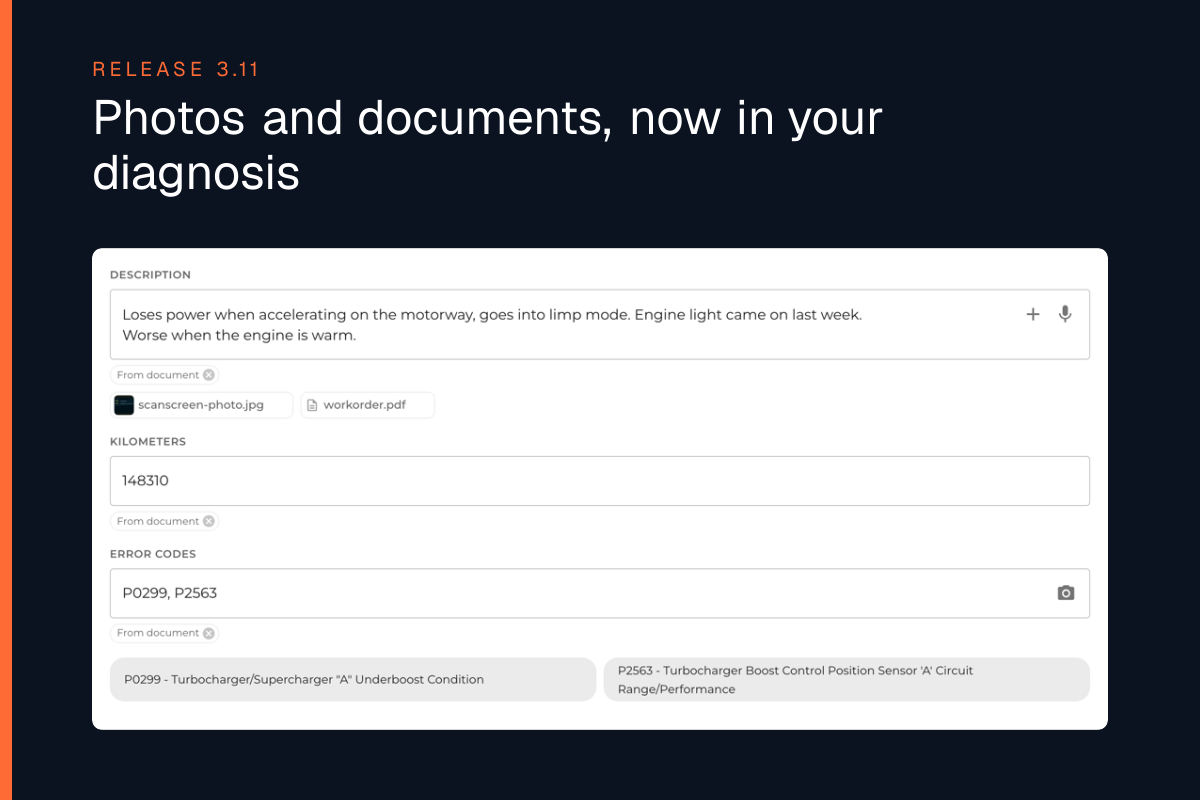
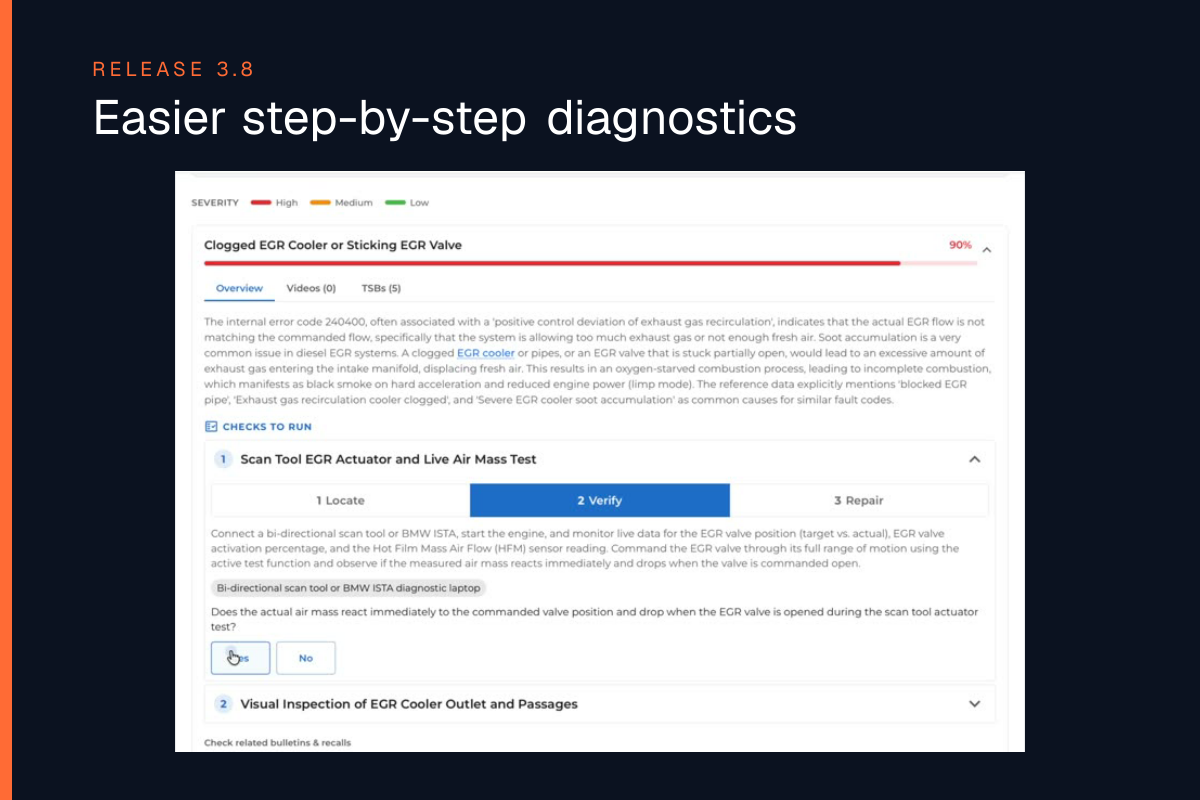
- Faster diagnostic start – results begin loading immediately
- Improved Diagnostic chat on the right side
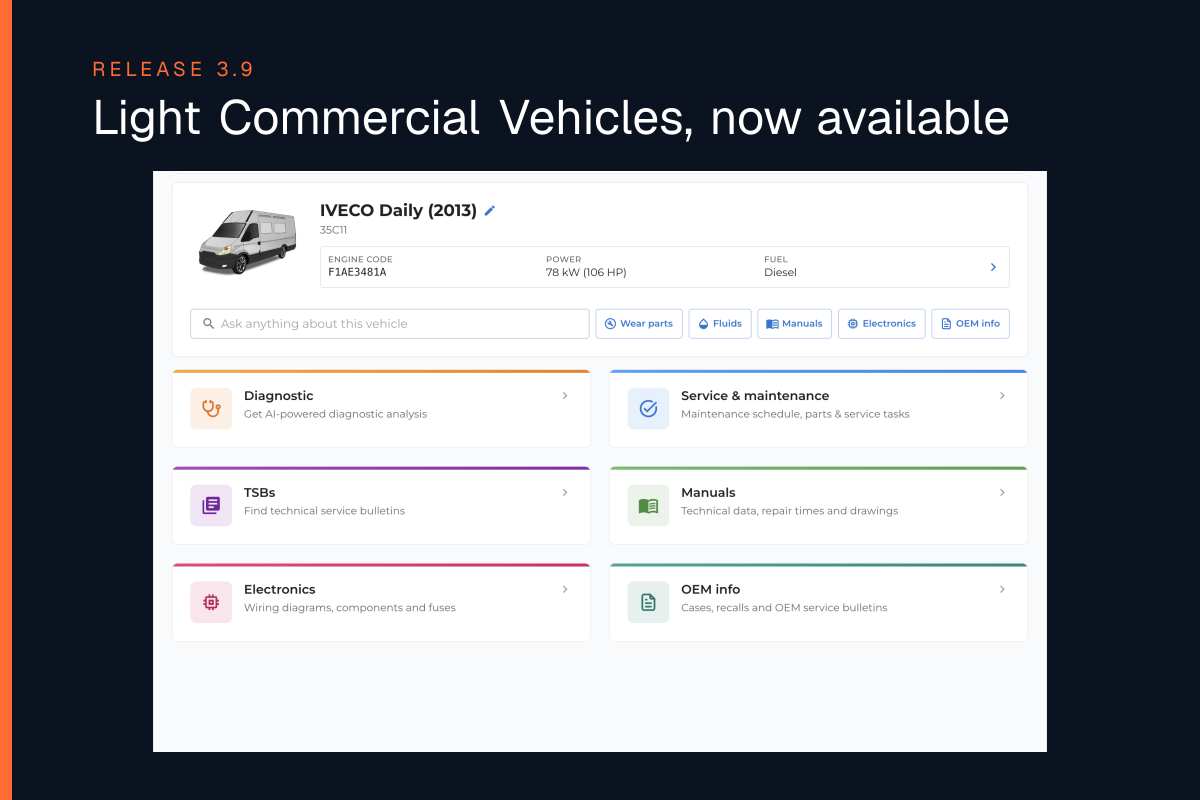
- Updated Garage with all your previous searches and ongoing cases
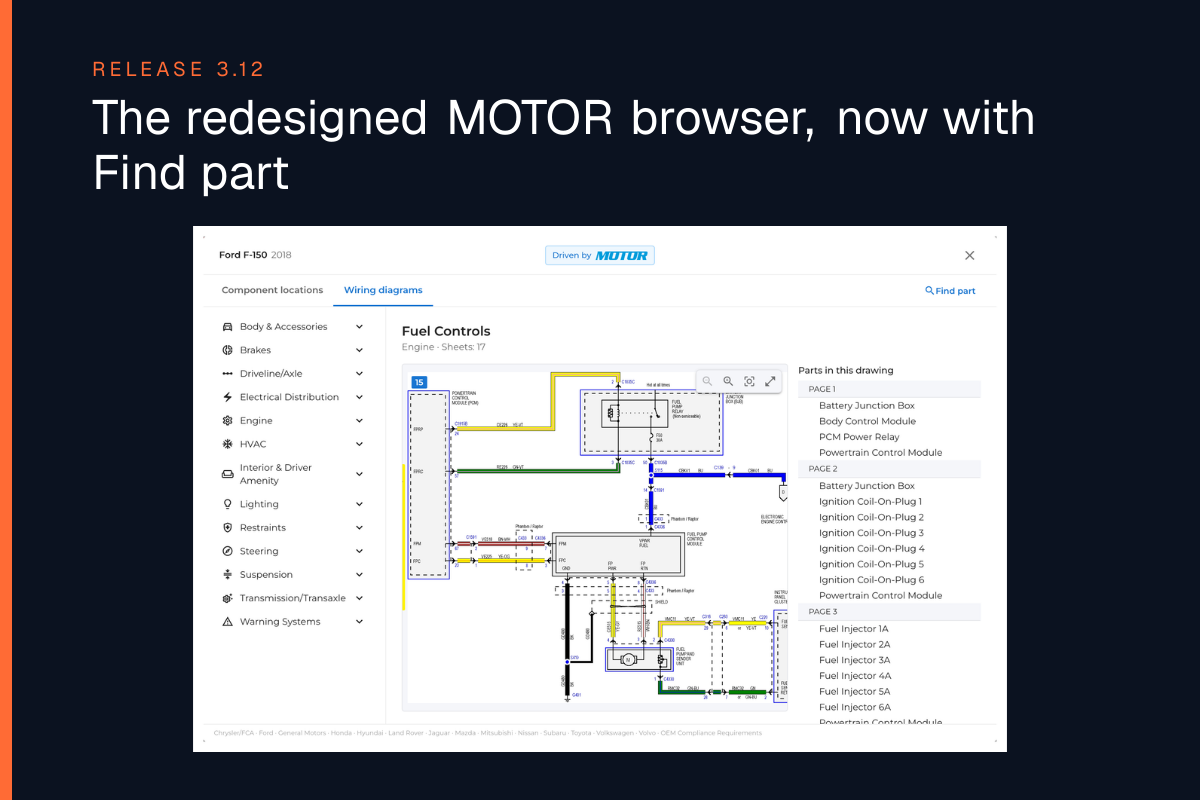
- For US customers: new car list with icons + better search in Images & Diagrams
Faster diagnostics – results start immediately
We’ve optimized our diagnostic engine so that you:
- see that the diagnosis starts right away
- get faster, more structured answers
- see more and clearer information in the updated interface
Less waiting, more time for real troubleshooting and repair.
Improved Diagnostic chat on the right
The Diagnostic chat on the right-hand side has been upgraded:
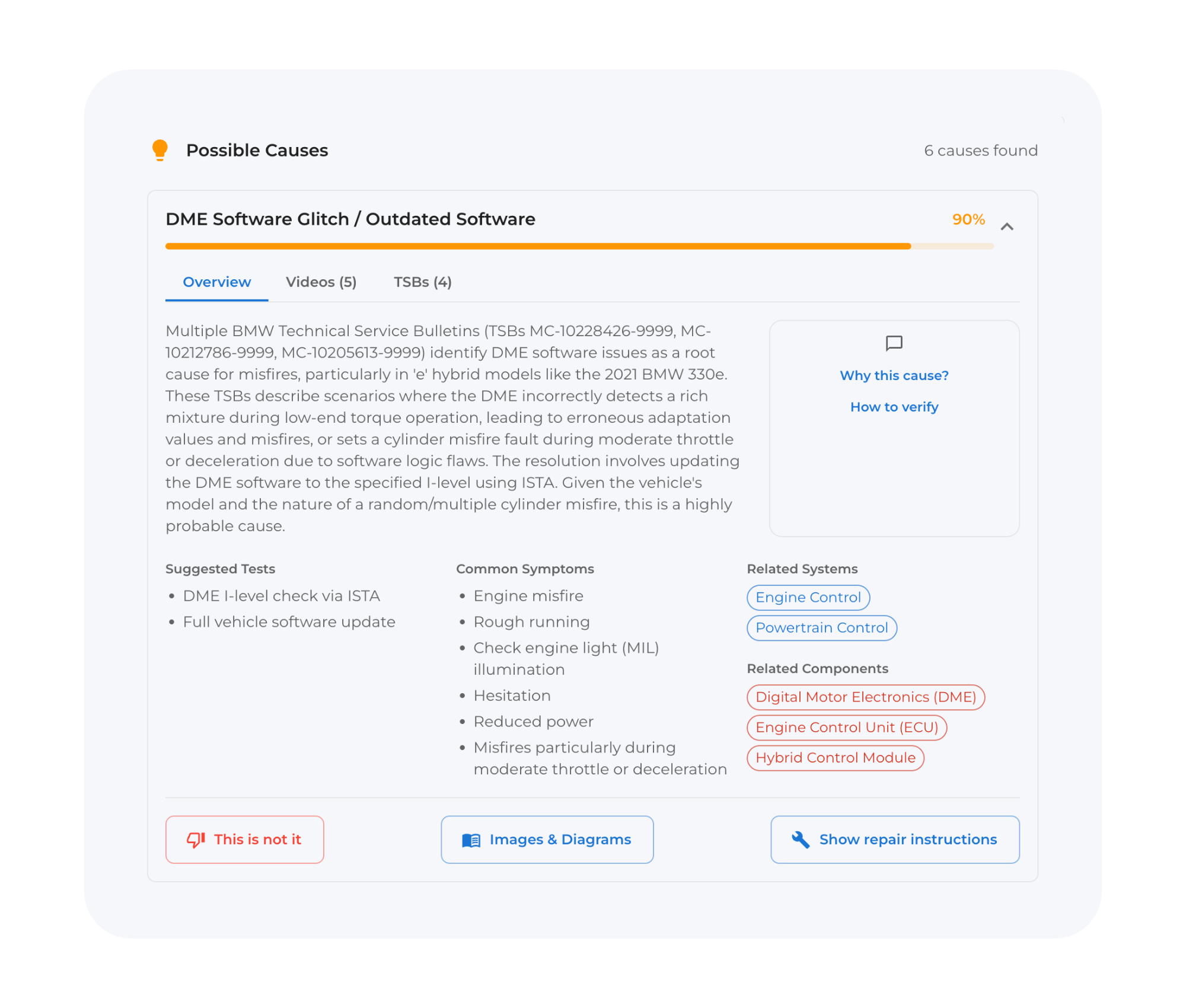
- A clearer way of presenting answers and suggestions
- Easier to follow the reasoning and see what’s already been done
- Better interaction between the clickable diagnostic flow and the chat
This makes it simpler to mix guided steps with your own questions.
Updated Garage – all jobs in one place
The Garage has also been updated:
- All your previous searches are now moved into the Garage – including those done in Diagnostic 2.0
- You can see which diagnostics are still in progress
- When you open a case, you can now click “Mark as completed”
Once marked as completed, the case is stored in the Garage as a finished job, so you can always go back and see what was done on that vehicle.
For US customers – improved Images & Diagrams
For workshops with a US account, we’ve made several improvements to OEM Images & Diagrams (Motor):
-
In the vehicle list, you’ll now see an icon to the right of the make/model for cars where images and wiring diagrams are available
-
Inside Images & Diagrams, it’s now easier to:
- search for components and sensors
- find the correct image or wiring diagram faster
- navigate the content – an overall smoother experience